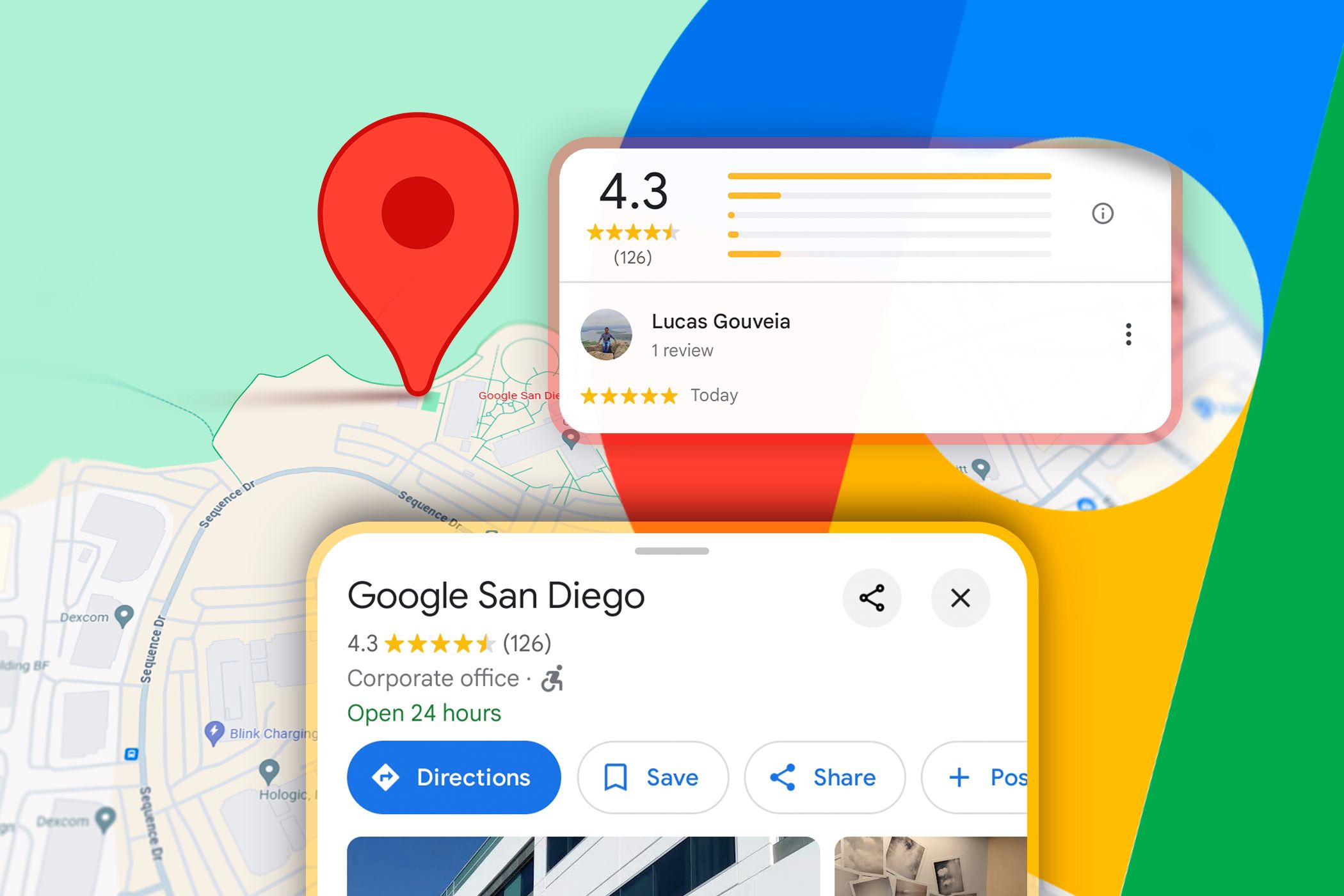
Google just changed how you're going to find a decent burrito. For years, we've used Google Maps like a digital phonebook. You type in a name, you look at a blue dot, and you hope the "open now" status is actually accurate. That era is dead. With the rollout of the Ask Maps feature, Google is turning its navigation app into a full-blown research assistant that understands context, not just keywords.
You aren't just searching for "Italian restaurants" anymore. Now, you're asking, "Where can I take a group of ten people that has a vintage vibe and serves gluten-free pasta?" Maps doesn't just pull up a list. It reads through thousands of reviews, analyzes photos of the interior, and checks the menu for you. It gives you a reasoned answer. This isn't a minor update. It’s a fundamental shift in how we interact with the physical world.
The Problem With Traditional Search
Most people don't realize how much work they've been doing manually. Think about the last time you planned a day trip. You probably had four tabs open. One for the map, one for Yelp, one for a blog post about "hidden gems," and maybe a weather app. You were the one doing the heavy lifting of synthesizing that information. You were the "AI" in that scenario.
Traditional search is literal. If you search for "quiet cafes," the algorithm looks for the words "quiet" and "cafe" in the metadata. If a place is incredibly peaceful but nobody used that exact word in a review, you might miss it. Ask Maps changes the math. It uses Gemini models to understand the vibe of a place based on the collective data of millions of users. It knows a place is quiet because the photos show people reading and the reviews mention "great place to focus."
I've spent a lot of time testing different LLMs for local discovery. The biggest hurdle has always been real-time data. A chatbot can tell you about a famous landmark, but it usually doesn't know if the coffee shop across the street is currently under renovation. Google has the home-field advantage here. They own the data. By layering generative AI directly on top of their live database, they've solved the "hallucination" problem that plagues other AI tools. If Maps says a place is good for a rainy day, it’s because it knows there’s an awning and indoor seating.
How Ask Maps Actually Works Under The Hood
It’s easy to dismiss this as just a chatbot inside an app. That would be a mistake. This feature is pulling from the Geospatial Creator and massive amounts of Street View data to build a conceptual map of your surroundings.
When you ask a complex question, the system performs a multi-step reasoning process.
First, it parses your intent. Are you looking for a vibe or a specific utility?
Second, it filters the top-rated locations in your specified radius.
Third, it cross-references those locations against your specific constraints—like "dog-friendly" or "good for kids."
The real magic happens in the summarization. Instead of showing you a star rating, it writes a short brief. It might say, "This spot is popular for its outdoor patio, though it gets crowded after 6 PM. Since you asked for a quiet spot, you might prefer the upstairs seating area." That’s the kind of advice you’d usually only get from a local friend.
Beyond Just Finding Dinner
The implications for travel and urban exploration are huge. Imagine you're in a city you've never visited. You have three hours to kill before a train. In the old days, you’d wander aimlessly or pick the first Starbucks you saw. Now, you can tell Maps, "I have three hours, I like street art, and I need to stay within a ten-minute walk of the station. What should I do?"
The app creates an itinerary on the fly. It’s not just a list of points; it’s a cohesive plan. It understands the logistics of time and distance in a way that feels human.
We’re also seeing a massive shift for small business owners. For a long time, SEO for local business was about stuffing keywords into your Google Business Profile. That's becoming less effective. If the AI is reading reviews to determine the "vibe," then the actual customer experience matters more than ever. You can’t "hack" a review summary that says your staff is rude. The AI will see that pattern across five hundred reviews and stop recommending you to people looking for "friendly service."
Why This Isn't Always Perfect
Let's be real. There are risks. When we let an AI curate our choices, we risk ending up in a "filter bubble." If the AI knows you like modern, minimalist coffee shops, will it ever show you that weird, cluttered hole-in-the-wall that has the best espresso in the city? Probably not.
There's also the issue of trust. Google is an advertising company. While they claim the Ask Maps results are based on relevance and data, the line between an "organic" AI recommendation and a "sponsored" AI suggestion is going to get very blurry. You have to wonder if a restaurant that pays for Google Ads will suddenly find itself being recommended more often for "complex" queries.
Then there's the data privacy aspect. For Ask Maps to work well, it needs to know your preferences. It needs to know you're gluten-free, that you hate loud music, and that you prefer walking over taking the bus. You're trading your personal data for convenience. For most of us, that's a trade we've already made, but the depth of this new data collection is on another level.
Getting The Most Out Of The New Features
If you want to actually use this well, stop talking to it like a search engine. Don't use two-word queries. Use full sentences. Give it constraints.
Instead of "Parks nearby," try "Find me a park with a playground that isn't too windy today and has easy parking."
Instead of "Bars," try "Find a bar with a fireplace that isn't too loud for a first date."
The more specific you are, the better the Gemini-powered backend performs. It thrives on nuance. If you give it a boring prompt, you'll get a boring result.
You should also start paying attention to the "summaries" at the top of the search results. These are often updated in real-time based on the most recent reviews. If a place just changed its menu or started charging for parking, the AI summary will usually catch that faster than the official business description will.
The Shift From Search To Assistance
We're moving away from a world where we look for information and into a world where information finds us. Google Maps is no longer just a tool for not getting lost. It’s becoming a layer of digital intelligence over the physical world.
The "Ask Maps" feature is just the beginning. Soon, this will likely integrate with your calendar and your emails. It will know you have a meeting at 2 PM and suggest a lunch spot that is exactly halfway between you and your client, ensuring you both make it back in time.
If you haven't tried the conversational interface yet, open the app and look for the sparkle icon or the "Ask" prompt in the search bar. Start with something specific to your actual life, not a test query. Ask it to solve a genuine logistical problem you have this weekend. That's when the utility actually clicks. The days of scrolling through endless lists of "Best 10 Things To Do" are over. Good riddance.
To get started, update your Google Maps app to the latest version. Look for the "Ask Maps" or "Search with AI" prompt directly in the search bar. Try a query that includes at least three specific requirements—like price, atmosphere, and a specific menu item. See how the summary compares to your usual manual search. Stop clicking every individual pin and start letting the assistant aggregate the data for you.